Salient Features
A closer look at what SFDC File Exporter can do — straight from the application.
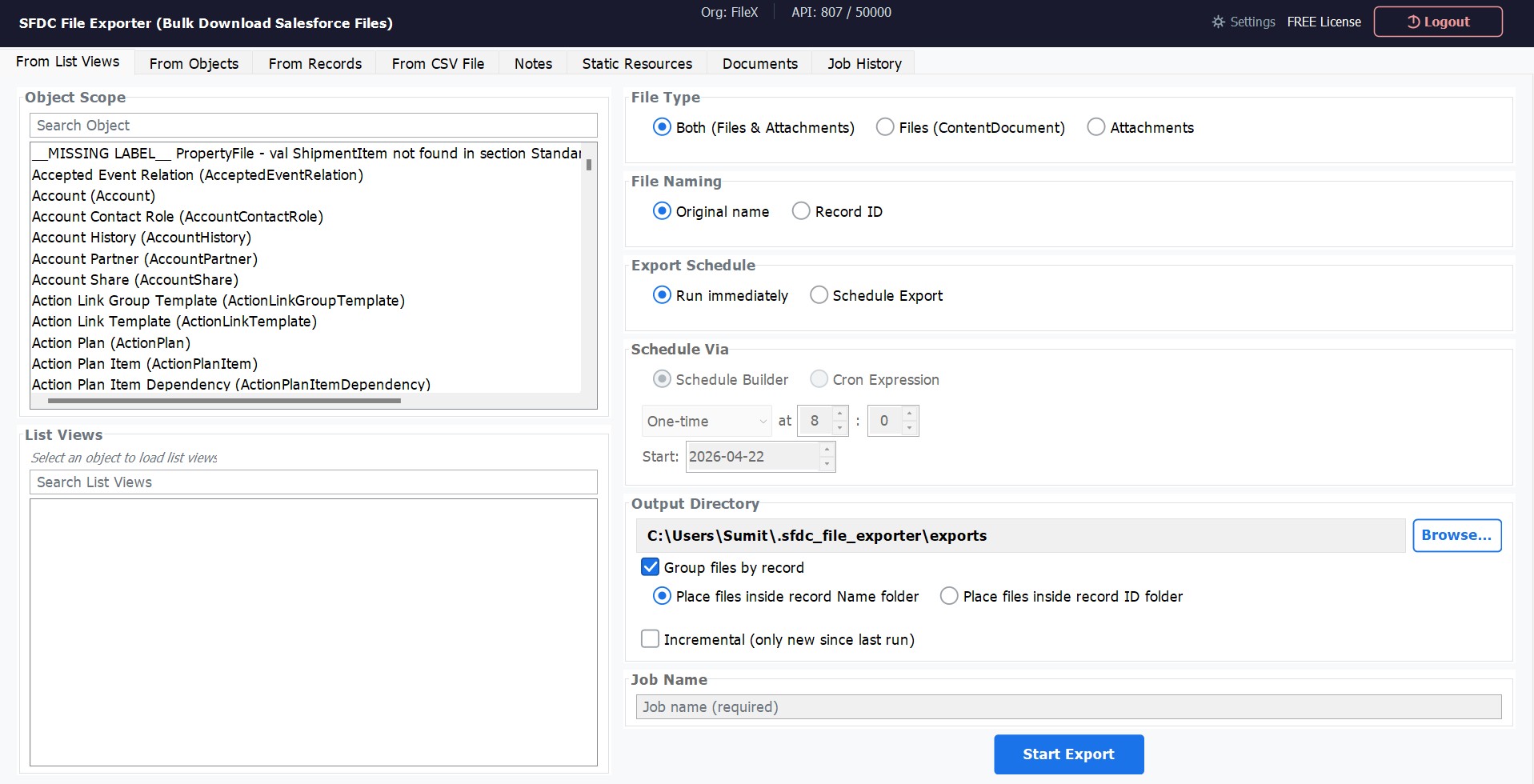
Export from Salesforce List Views
Select any Salesforce object, pick a list view, and export all associated files in one operation. Supports both Files (ContentDocument) and Attachments, with flexible file naming, output folder selection, and optional scheduling — all from a single screen.
- Browse all Salesforce objects instantly
- Filter by any existing list view
- Export Files, Attachments, or both
- Name files by original name or Record ID
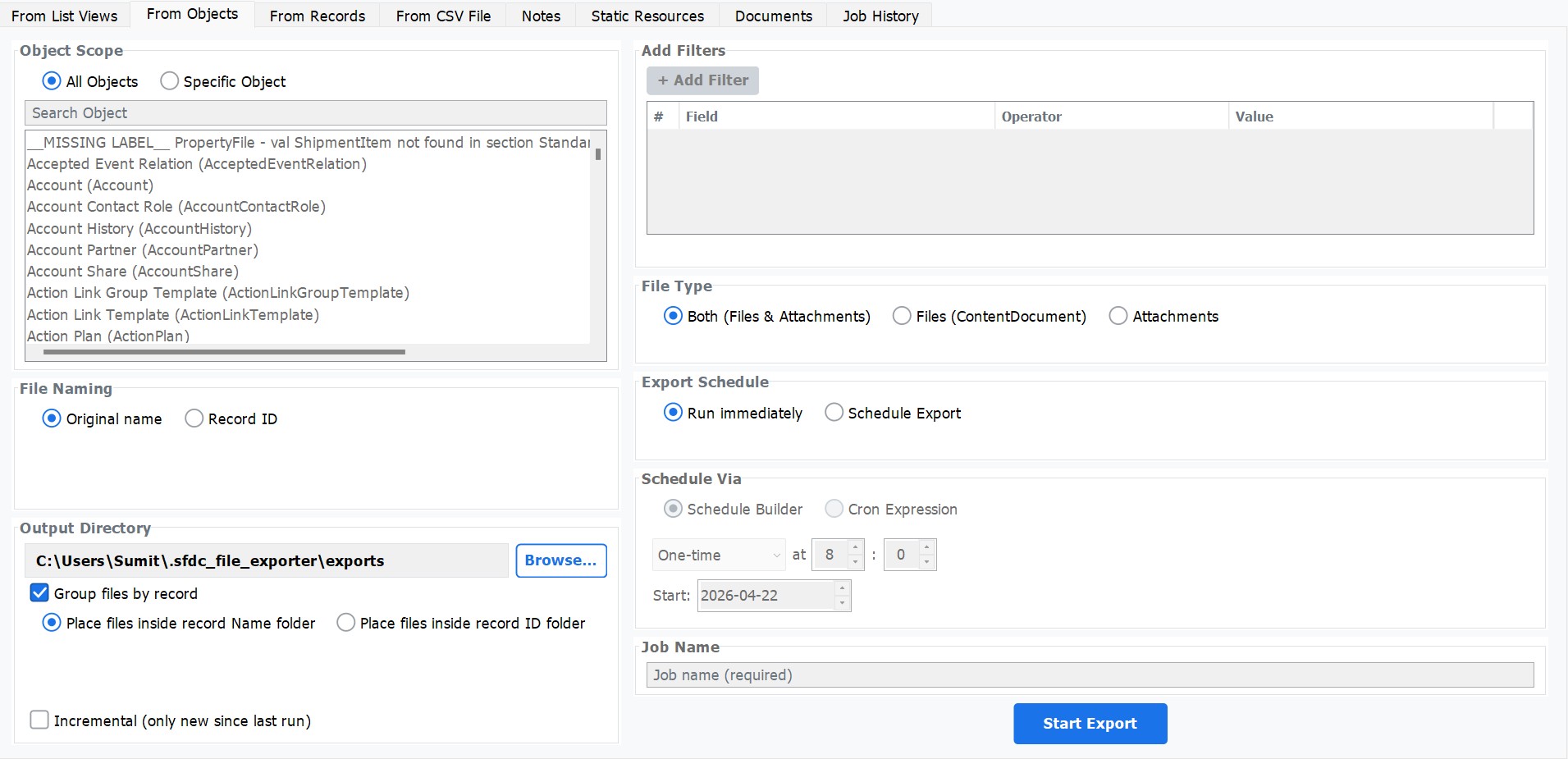
Object-Scope Export with Custom Filters
Target all objects or zoom in on a specific Salesforce object. Build field-level filters using any field, operator, and value combination — so you export exactly the records you need, nothing more.
- All Objects or Specific Object scope
- Add unlimited field-level filters
- Combine with scheduled export
- Incremental mode — only new files since last run
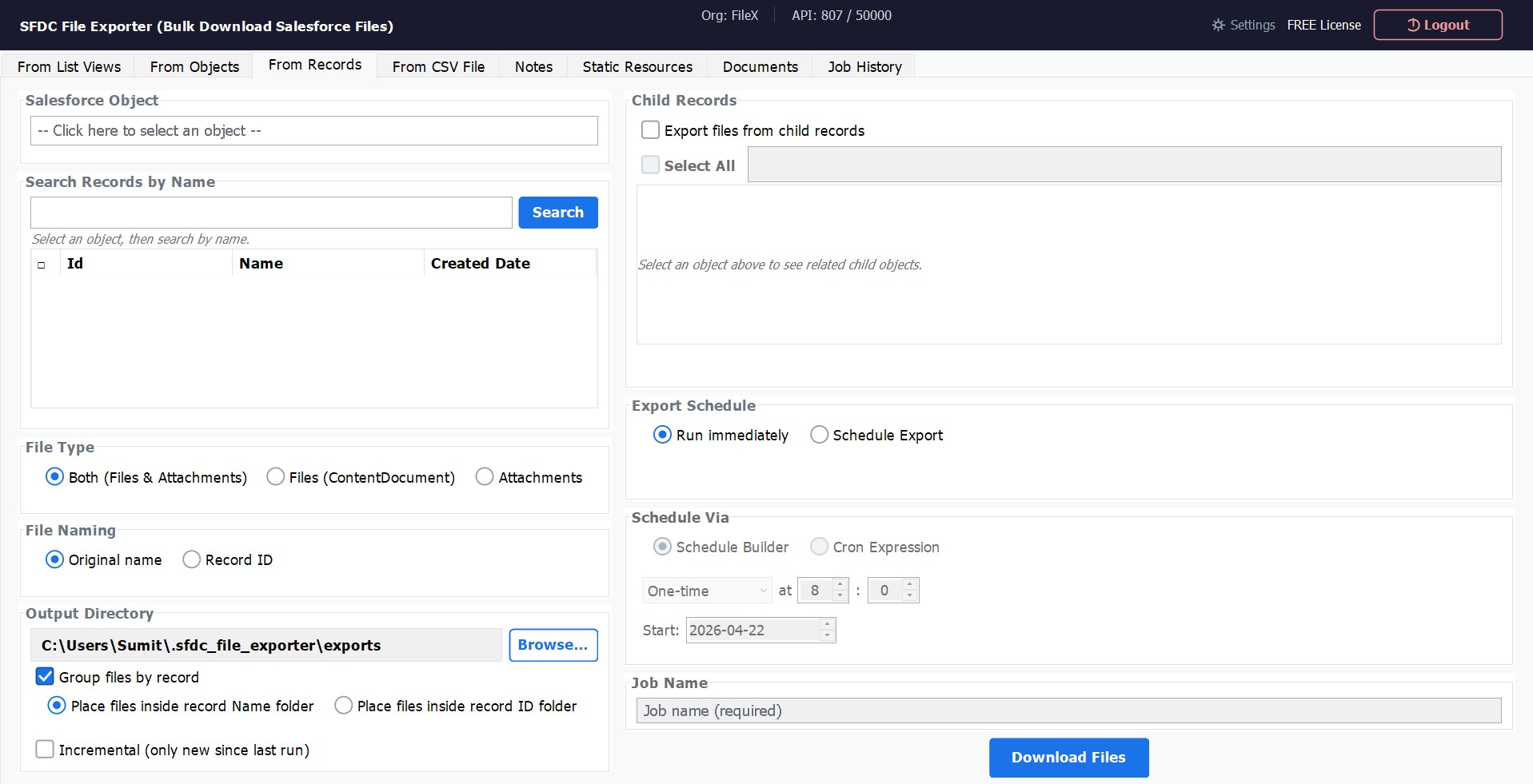
Export from a Single Record & Child Records
Target a specific Salesforce record by name and export every file attached to it. Optionally extend the export to include related child records — pulling files from the entire record hierarchy in a single run.
- Search records by name within any object
- Include child object files automatically
- Group files by record Name or ID folder
- Download Files and/or Attachments
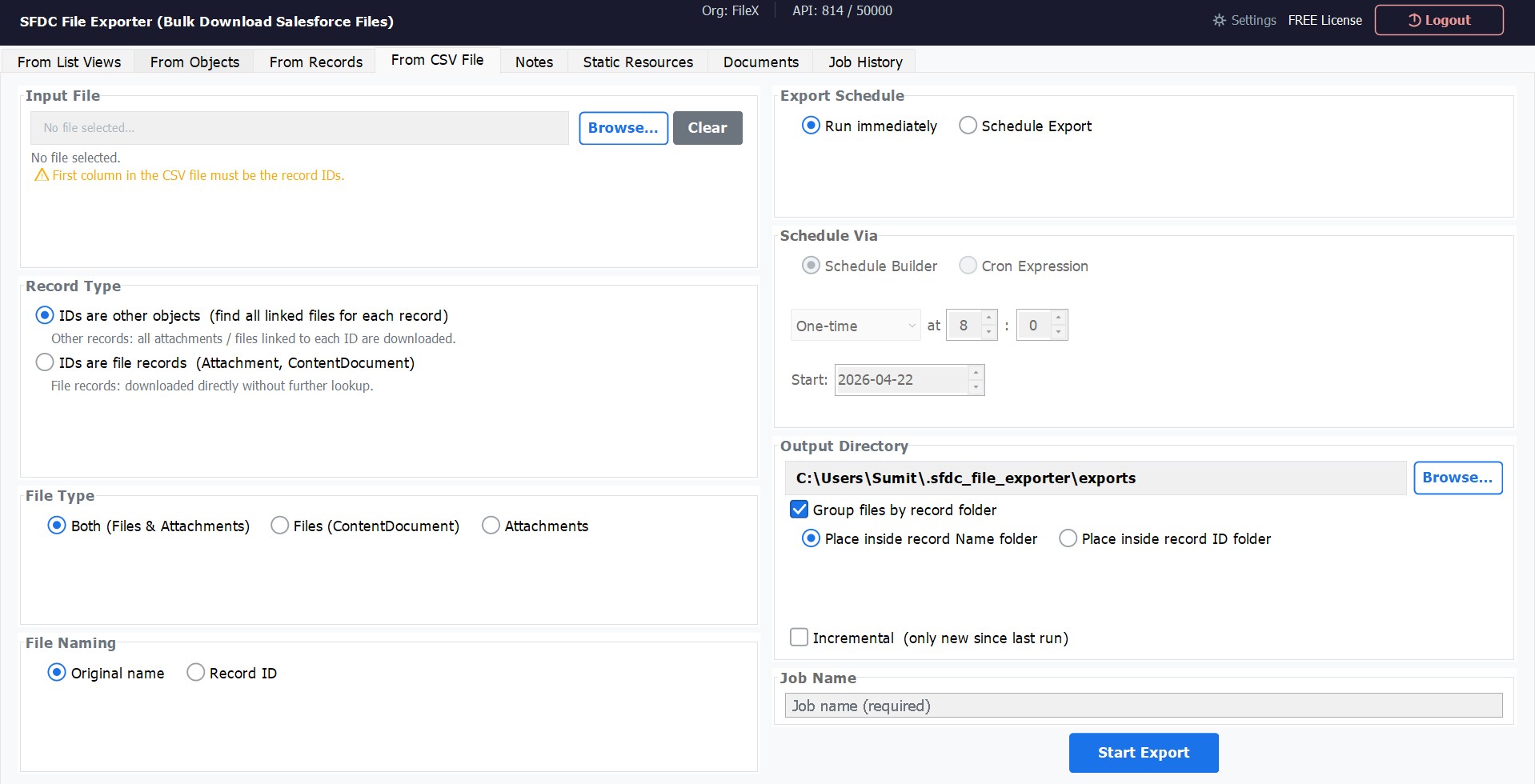
Export Files Using a CSV of Record IDs
Prepare a CSV file containing Salesforce record IDs and let the app do the rest. Works with parent record IDs (it finds all linked files for each) or direct file record IDs (ContentDocument / Attachment) for precise batch downloads.
- Upload any CSV — first column must be Record IDs
- Resolve parent IDs to all linked files
- Or download file records directly by ID
- Combine with schedule & incremental mode
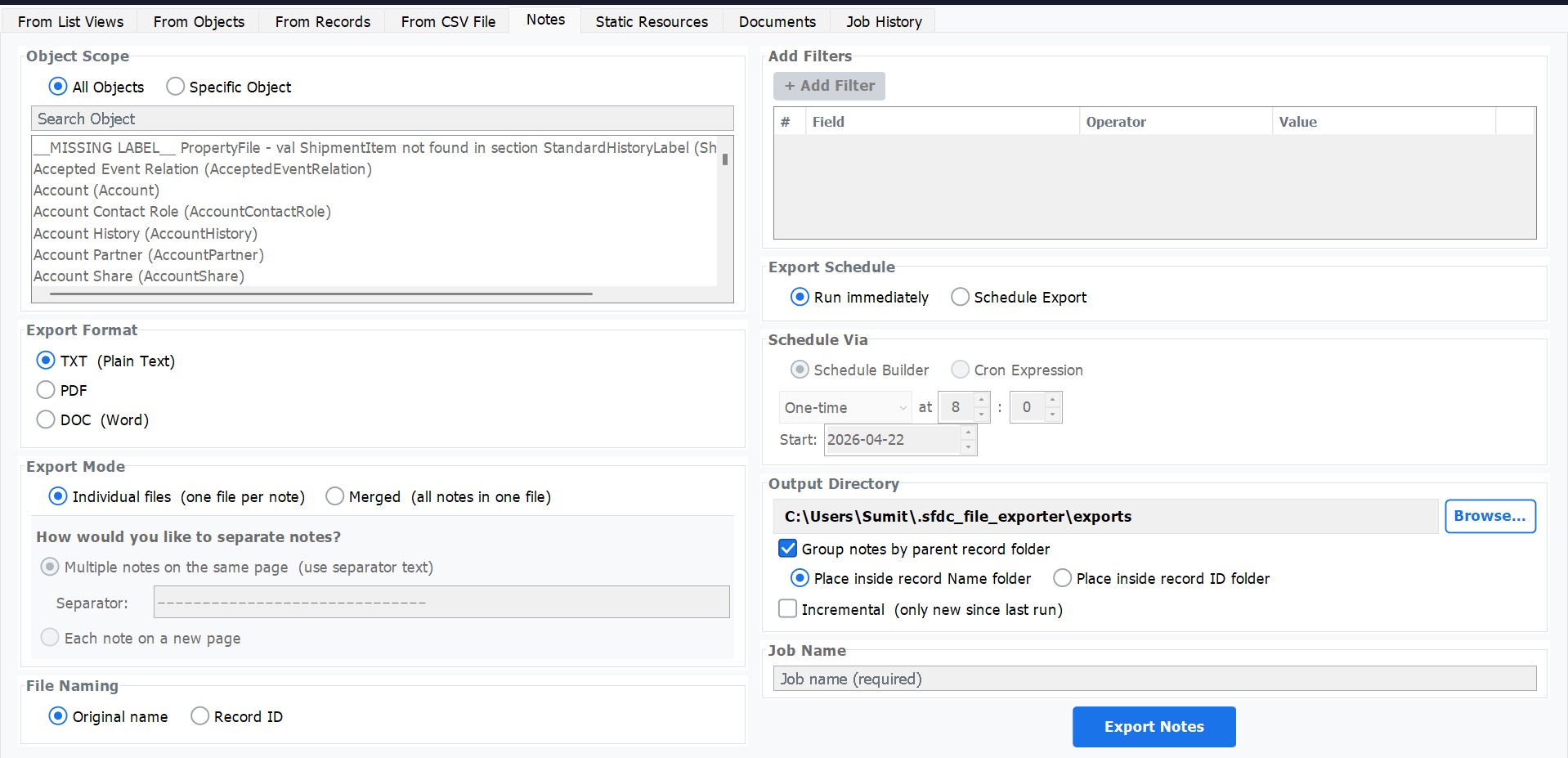
Export Salesforce Notes
Export Salesforce Notes in the format that suits your workflow — plain text (TXT), PDF, or Microsoft Word (DOC). Choose individual files per note or merge all notes into a single document, with full control over separators and grouping.
- Export as TXT, PDF, or DOC (Word)
- Individual file per note or merged into one
- Custom separator text between notes
- Group notes by parent record folder
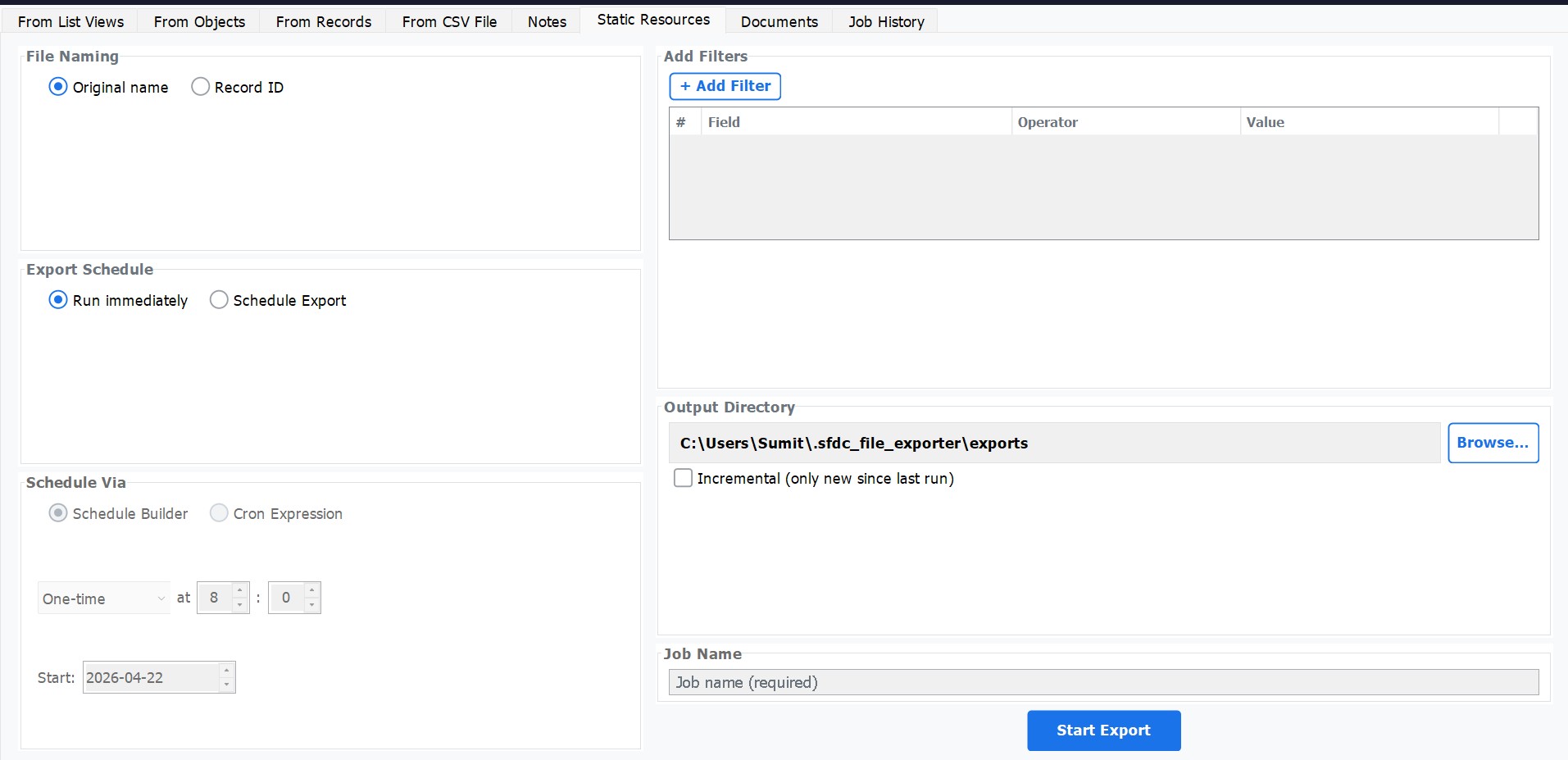
Export Salesforce Static Resources
Download all Static Resources from your Salesforce org — JavaScript libraries, CSS stylesheets, images, and any other assets deployed to your pages. Apply field-level filters and schedule recurring downloads to keep a local copy always up to date.
- Export all Static Resources in one run
- Add filters by any Static Resource field
- Schedule incremental or full exports
- Retain original resource names
Export Salesforce Documents
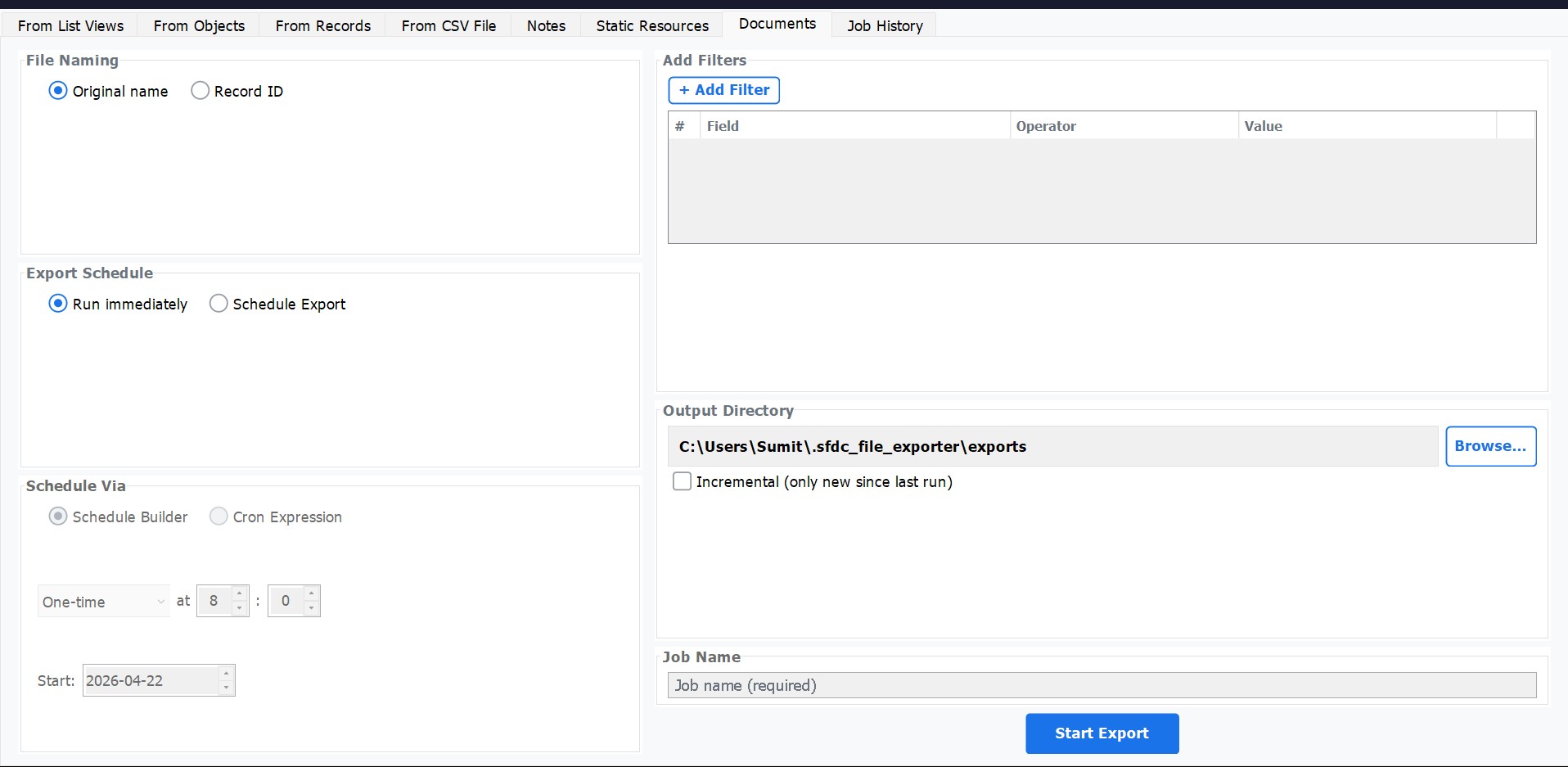
Export records from the Salesforce Document object — org-wide files stored in document libraries, not linked to individual records. Add filters to scope your export by folder, author, or any other Document field, and pick your output directory.
- Export the legacy Document object
- Apply field-level filters to narrow scope
- Run immediately or on a schedule
- Preserve original document file names
Schedule Exports to Run Automatically
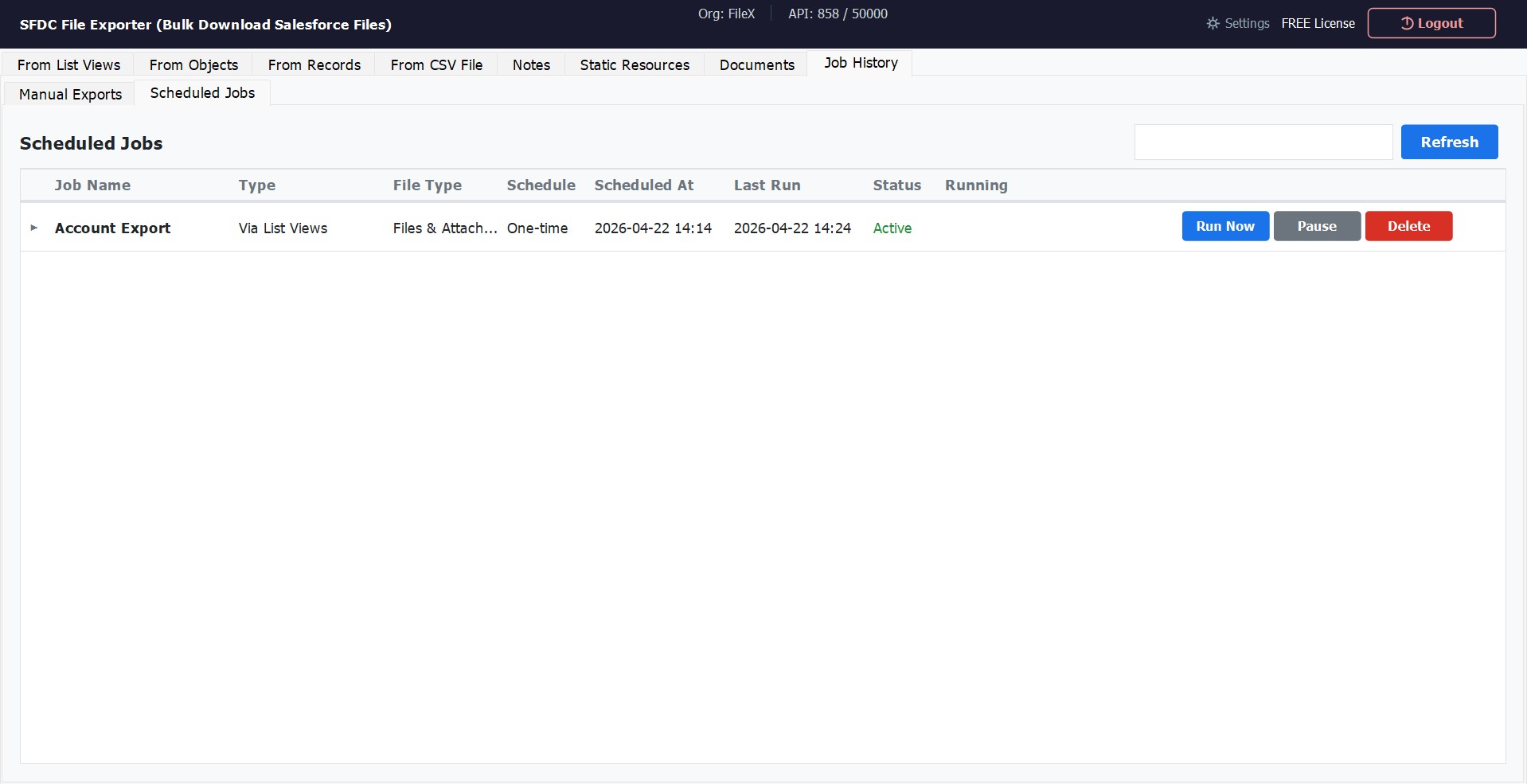
Set up export jobs to run on a recurring schedule — one-time, daily, or via cron expression — and monitor them all from the Job History dashboard. Pause, resume, or trigger any job instantly without re-configuring it from scratch.
- Schedule via Schedule Builder or Cron expression
- View all jobs: status, last run, file type
- Run Now, Pause, or Delete any job instantly
- Incremental mode — skip already-exported files
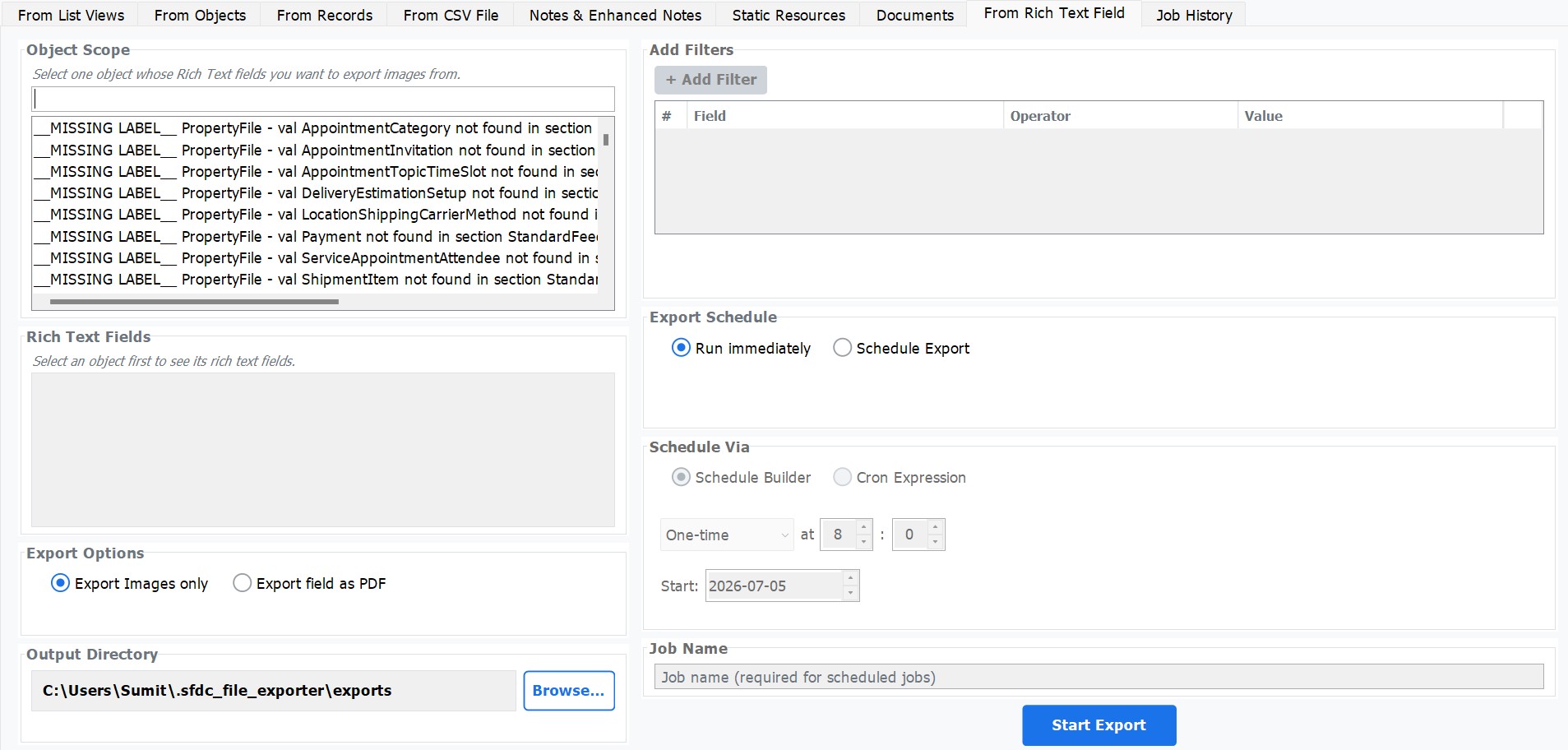
Export Rich Text Fields as PDF
Extract the content of any Salesforce rich text field and export it as a properly formatted PDF document — preserving headings, bold/italic text, bullet lists, tables, and embedded images. No third-party PDF library or conversion tool required.
- Works with any object and any rich text field
- Preserves text formatting, lists, tables, and inline images
- Pure Java PDF generation — fully offline
- Creates one PDF per record per field, organised in sub-folders
Export Notes & Enhanced Notes
Export both classic Salesforce Notes and Enhanced Notes (ContentNote) in the format that fits your workflow. Classic Notes support TXT, PDF, and Word output. Enhanced Notes preserve full rich-text fidelity and can also be exported to Excel for bulk review and reporting.
- Classic Notes: TXT, PDF, or DOC (Word) output
- Enhanced Notes (ContentNote): export with full rich-text formatting
- Excel export for bulk review and data processing
- Group by record, merge into one file, or one file per note
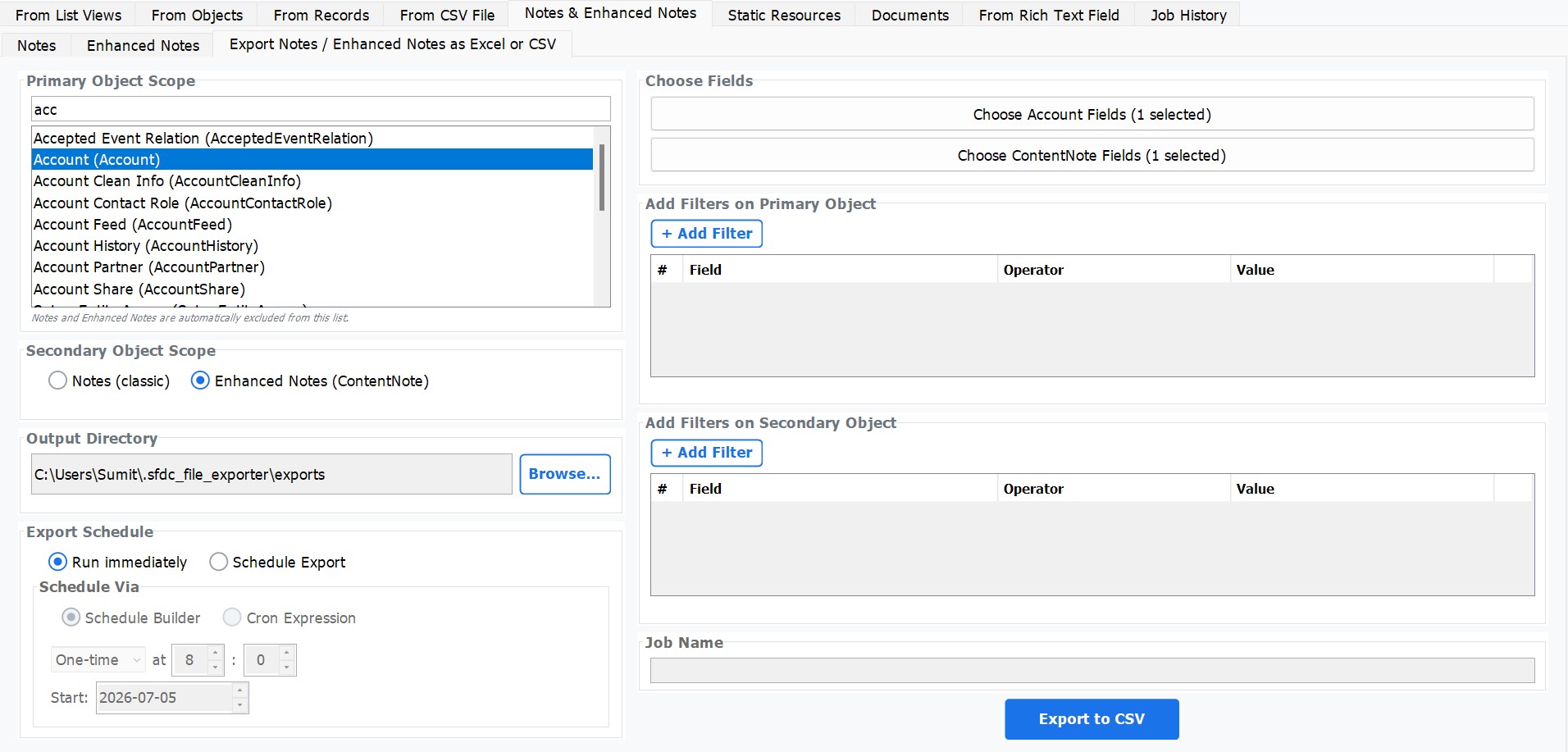
Export All Notes & Enhanced Notes as CSV
Export every Note and Enhanced Note from your Salesforce org into a single structured CSV file. Invaluable for Salesforce-to-Salesforce migrations — carry note content, parent record fields, and note metadata together in one flat, import-ready file.
- Export classic Notes or Enhanced Notes (ContentNote)
- Include any fields from the parent object in the same row
- Combine note body, title, owner, created date & timestamps
- Perfect for migration, compliance archival, and bulk reporting
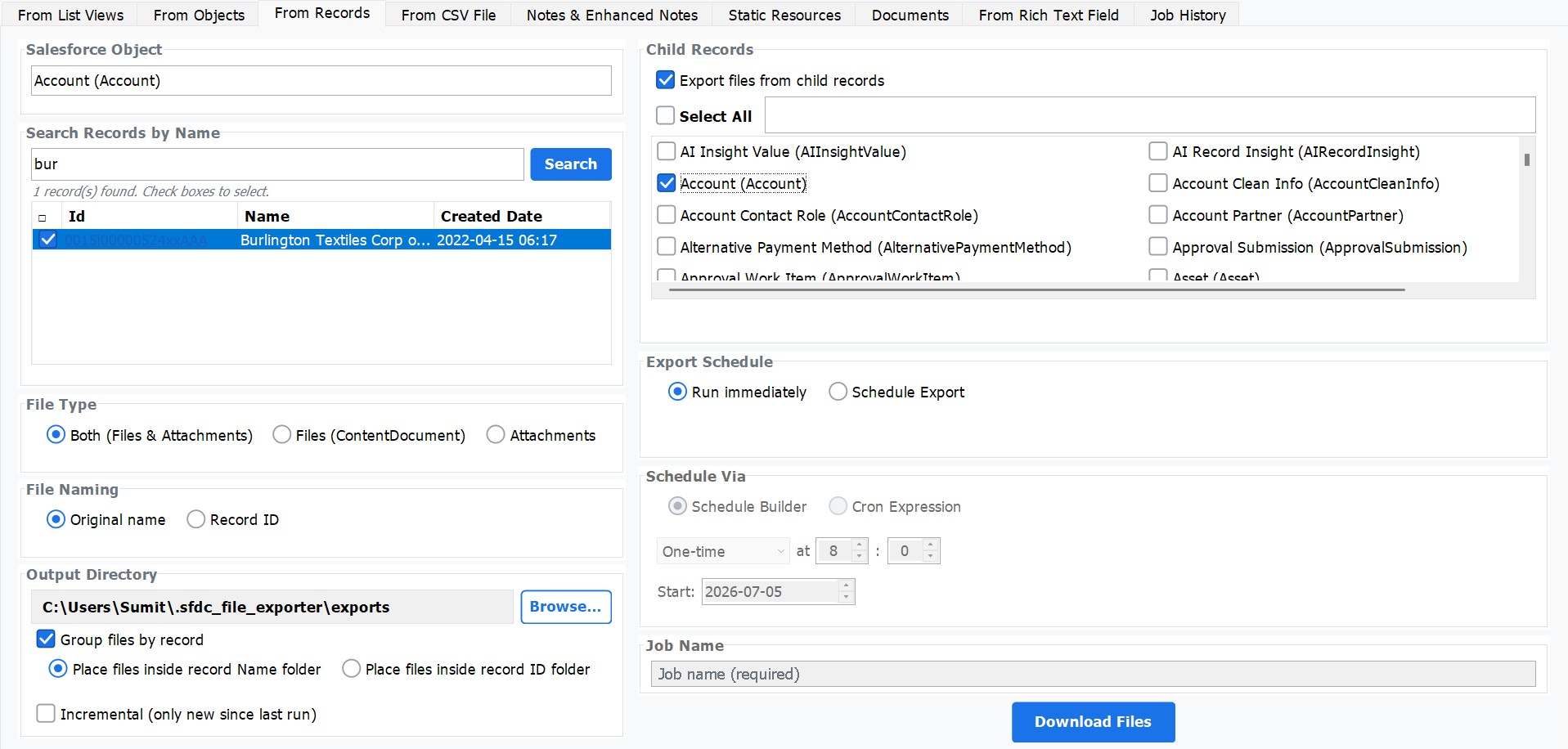
Export Parent & Child Records at Once
Export all related files across parent and child records in a single operation — no need to run separate exports per record. The app builds a clean folder hierarchy automatically: a folder for the parent record containing its files, and dedicated sub-folders for every child record with their respective files inside.
- Exports files from the parent record and all child records together
- Parent folder holds parent record files
- Each child record gets its own named sub-folder
- Perfect for exporting all related files in one structured, navigable export
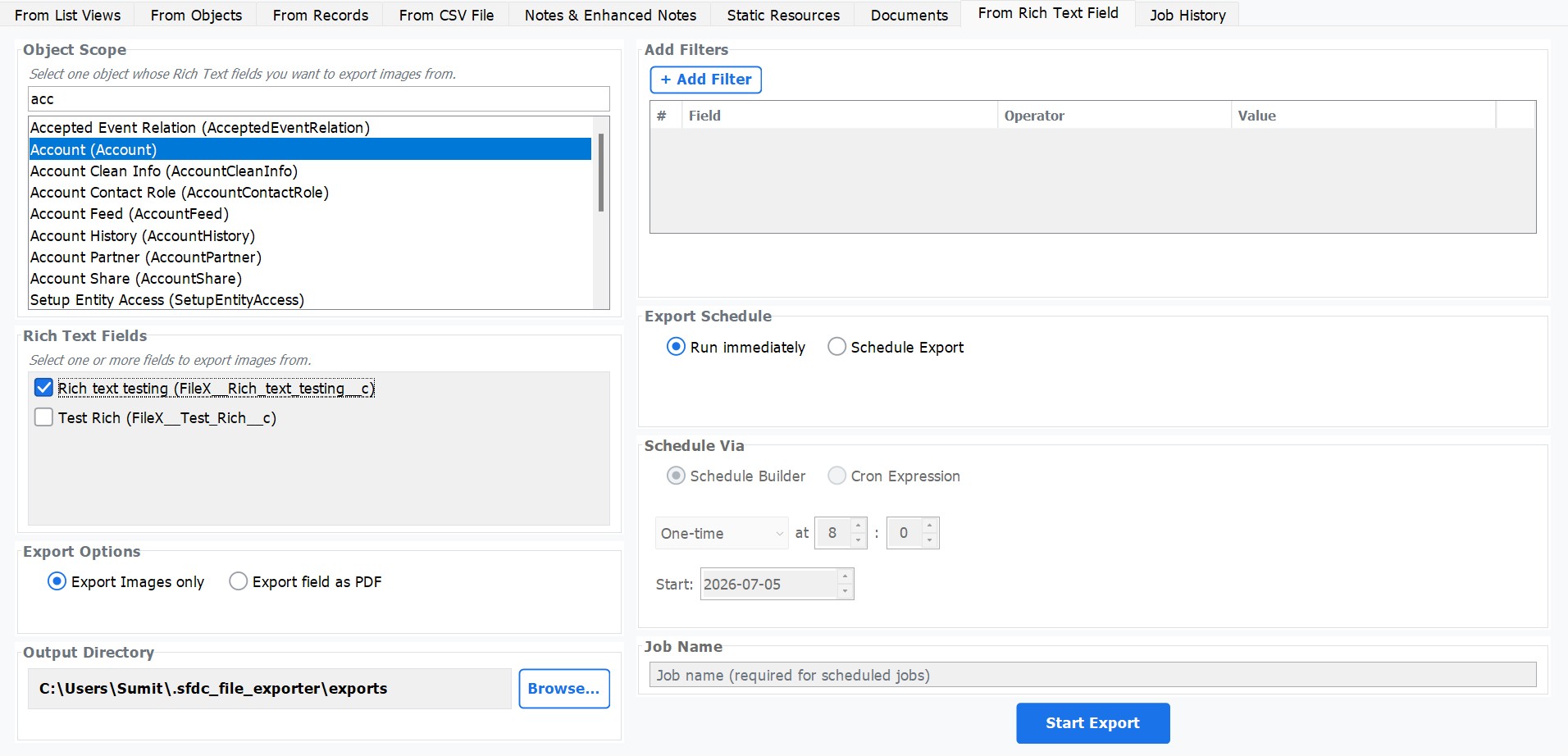
Export Images from Rich Text Fields
No other Salesforce export tool offers this capability. SFDC File Exporter can extract every image embedded inside a rich text field and save them as individual image files — automatically organised into a dedicated folder per record. Works across any standard or custom object.
- Extracts all embedded images from any rich text field
- Supports any Salesforce standard or custom object
- Each record gets its own named image folder
- Unique capability — no other export tool offers this